
From hired candidate to employee record. The hired candidate becomes an employee record, already filled in.
Example. Names and figures are made up.
Hired to on the team, in three steps.
Nothing is typed twice: the record starts from the application and the accepted offer.
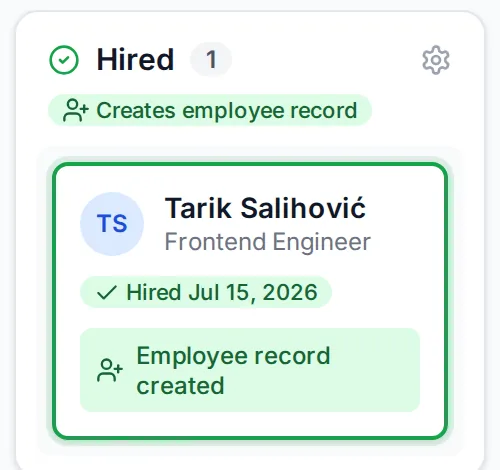
A candidate is marked hired
They join the New hires queue in HR.
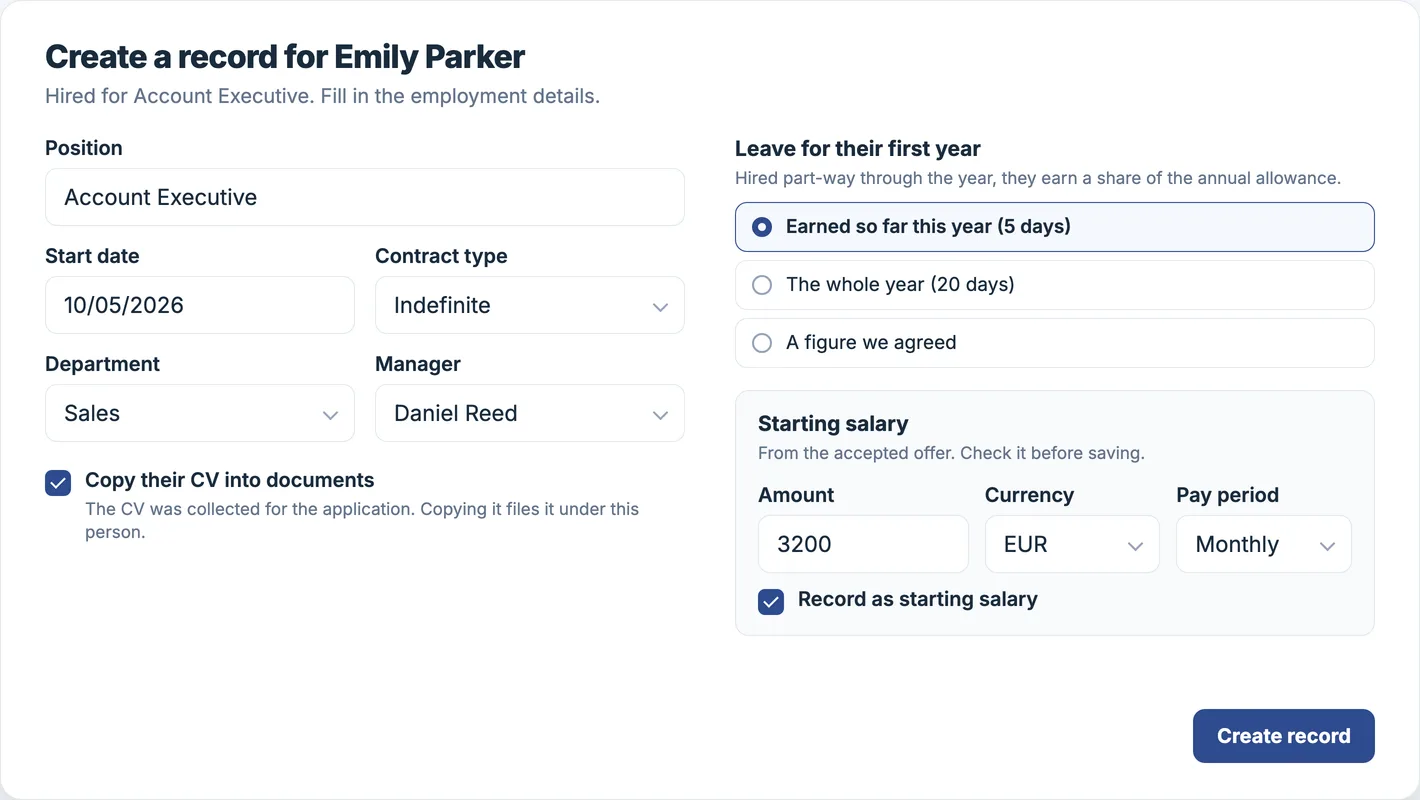
You create the record
Name, contacts and position from the application, start date and salary from the offer.
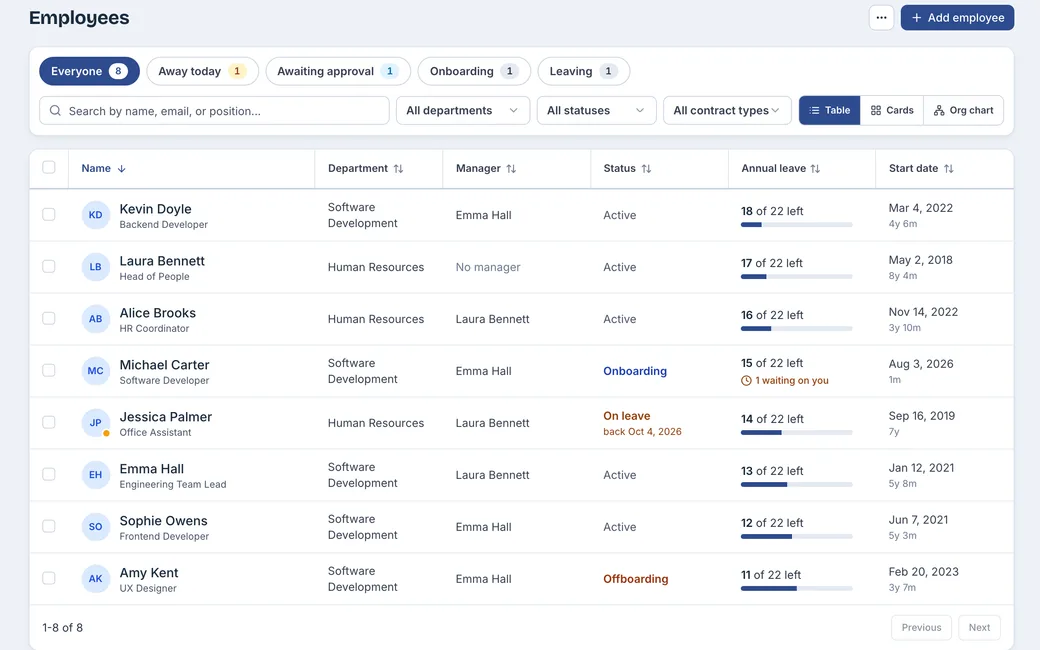
They join the directory
The profile keeps the hiring history and a link to the application.
Four ways in, one HR system.
However people arrive, their records follow the same rules.
From the pipeline
Hired candidates wait under New hires, already filled in.
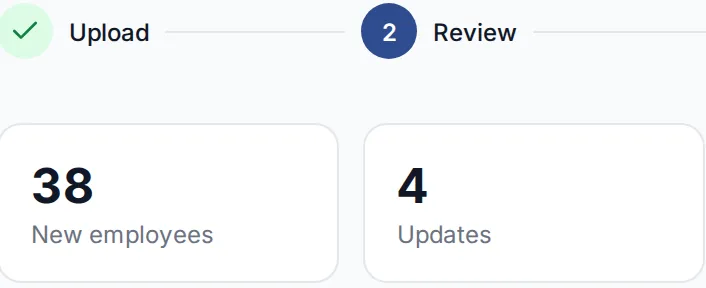
Import
A template, a check that saves nothing, then the valid rows.
By hand
Add people one at a time, and invite them whenever you like.
Through your AI assistant
Connect Claude and hand it the data. It prepares draft records for you to confirm.
The record works even if they never log in.
With a login, they also see their own shifts and leave.
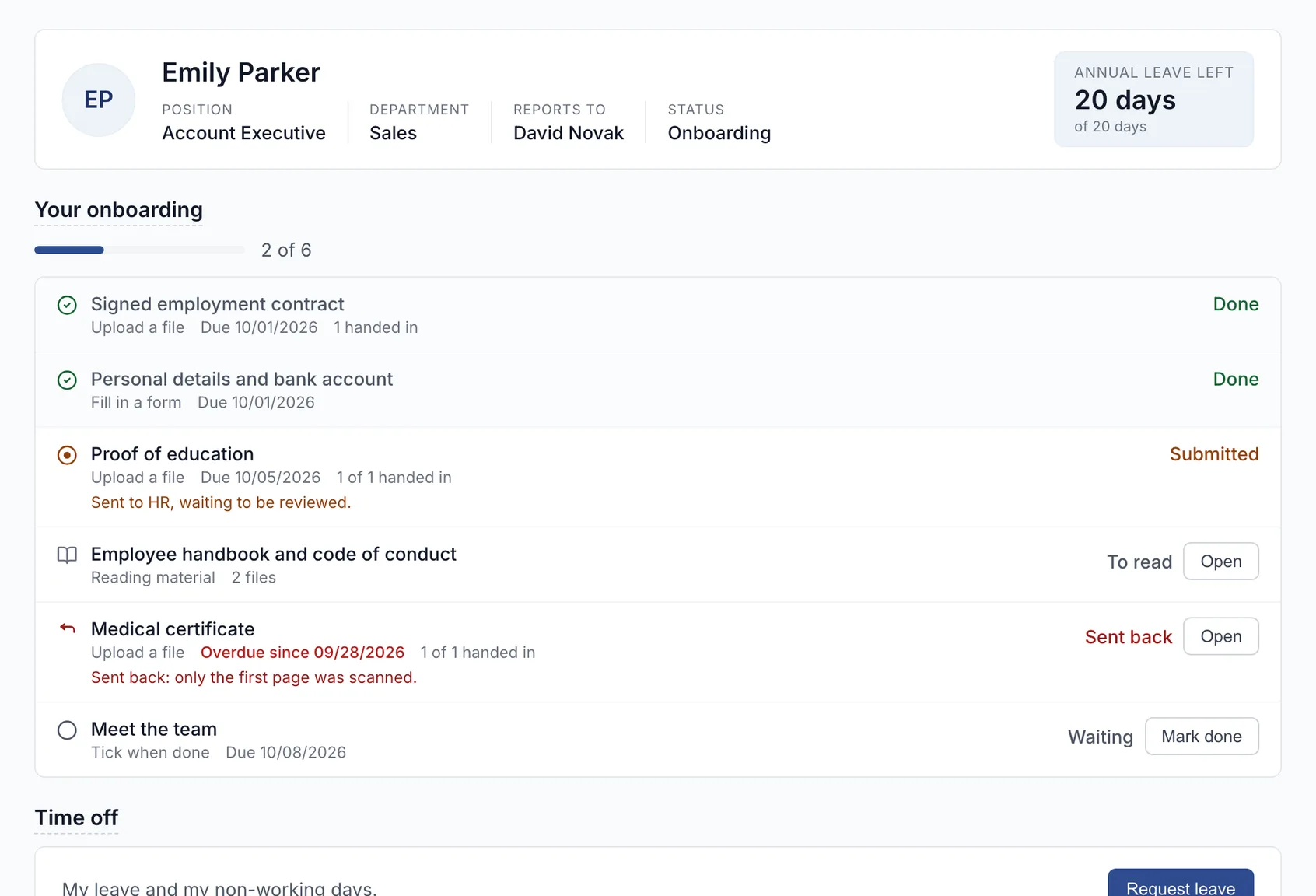
- Five fields to start: first and last name, position, start date and contract type.
- The start date drives the rest: protocol due dates and the first year's leave.
- HR files leave for people with no login, and it waits for them when they join.
Questions about the handoff to HR
What happens when a candidate is marked hired?
They join the New hires queue in HR. One click creates their employee record from the application and the accepted offer.
What does the new employee record start with?
Name, contacts and position from the application, and the start date and salary from the offer.
How do I bring in employees who were already there?
Import them from a spreadsheet: a template, a check that saves nothing, then the valid rows. You can also add people one at a time.
Does every employee need a login?
No. The record works even if they never log in, and HR files leave for people without one. With a login, they also see their own shifts and leave.
Can my AI assistant add employees?
Yes. Connect Claude and hand it the data. It prepares draft records for you to confirm.