
A hiring pipeline with your own stages. Stages you set per job, with every candidate in exactly one.
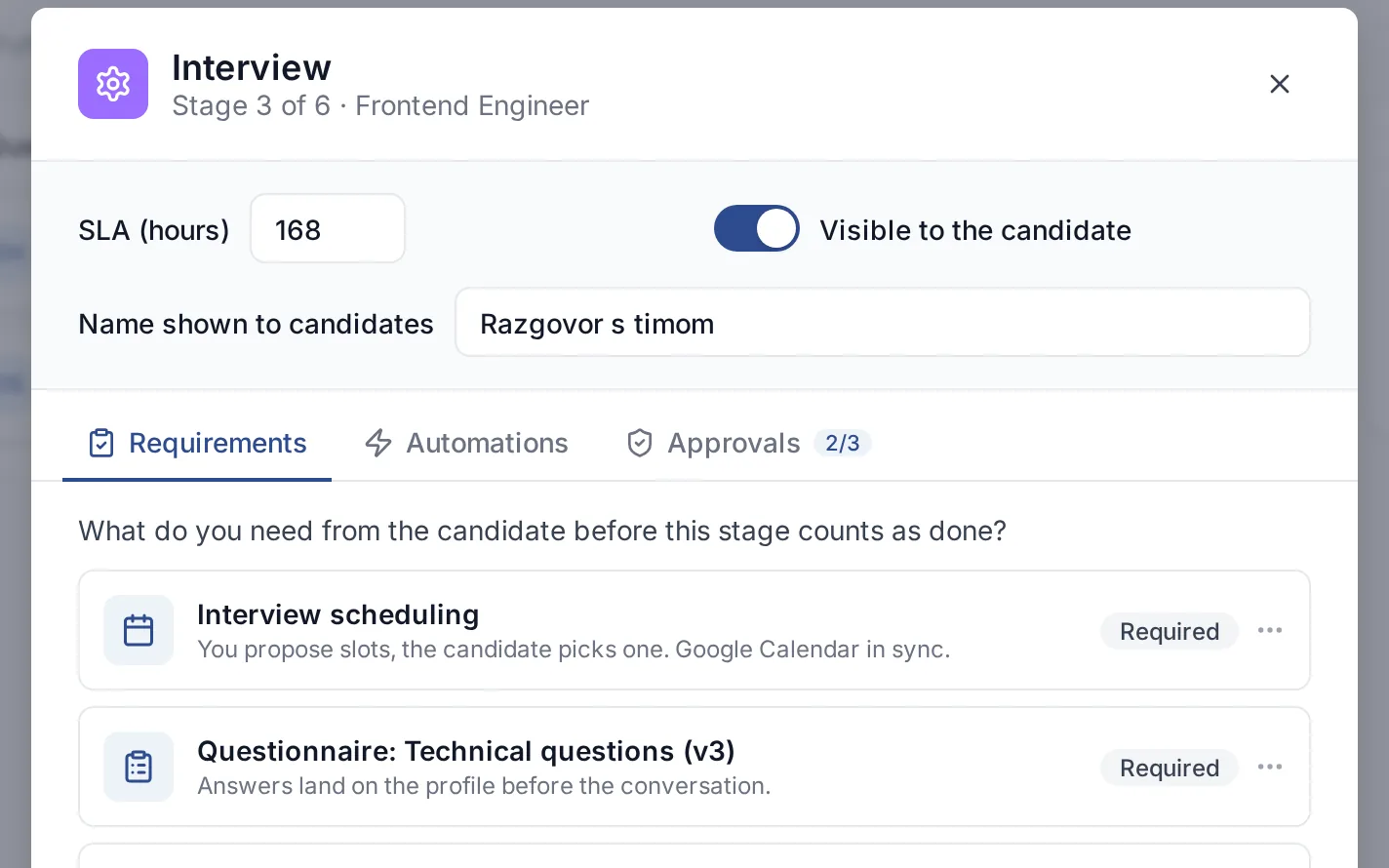
Example. Names and figures are made up.
Set the stages, and the board carries them.
Start from a template and change it per job, even after it goes live.
Name the stages
Per job, from a template.
The board fills up
Each candidate in one stage, seen by the whole team.
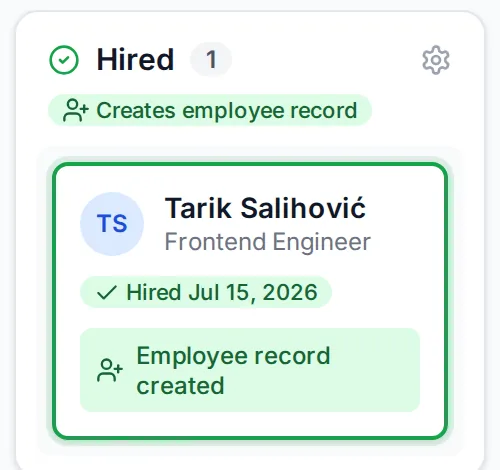
Hired ends it
With WizzHire HR, the hire lands in New hires.
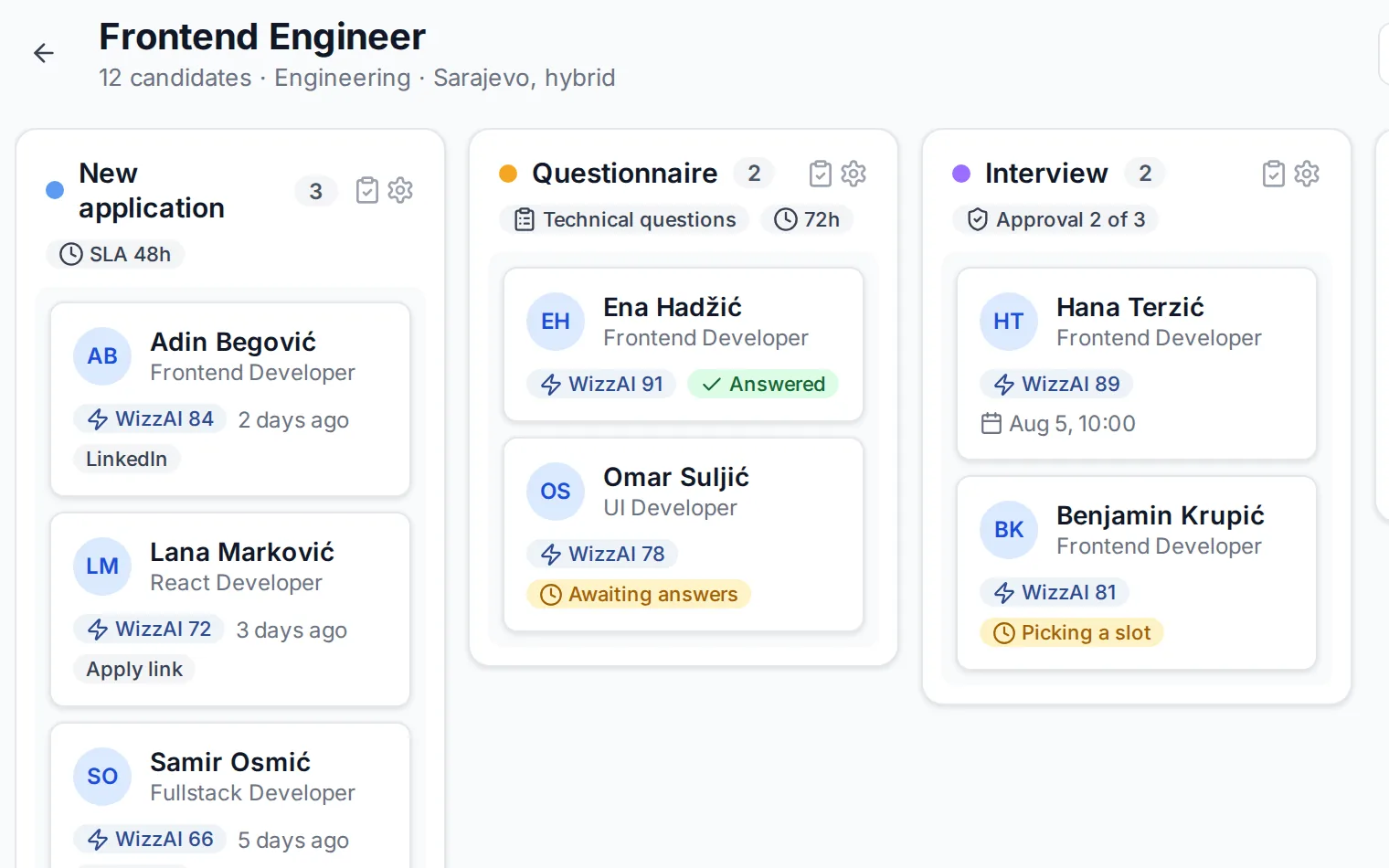
Every candidate for a job, on one screen.
One board for the whole team.
- Change it any time. Add, rename and reorder the middle stages, even with candidates in them.
- Every move on record. Who moved the candidate, when, by hand or by rule.
- Import the candidates you have. From a CSV, checked row by row, into the first stage.
On Growth, a stage can ask first.
Requirements, approvals and rules, set per stage.
- A required questionnaire
- Moving on without the answers needs a deliberate confirm.
- An approval gate
- Nobody passes until it is approved, automatic moves included.
- Rules you set
- Move candidates on automatically, for example on the WizzAI score.
Questions about pipeline stages
Can each job have its own hiring stages?
Yes. Start from a template and change the stages for each job.
Can I change the stages after a job goes live?
Yes. Add, rename and reorder the middle stages, even with candidates in them.
Can the whole team see where each candidate is?
Yes. Every candidate for a job sits in exactly one stage, on one board the whole team sees.
Can candidates move between stages automatically?
On Growth, rules you set can move candidates on, for example on the WizzAI score. A stage can also require a questionnaire or an approval first.
Can I import the candidates I already have?
Yes. Upload a CSV, check it row by row, and the candidates land in the first stage.