
Create the job posting. Collect the applications. From a line about the role to a published post, on one page.
Example. Names and figures are made up.
From a brief to applications, in three steps.
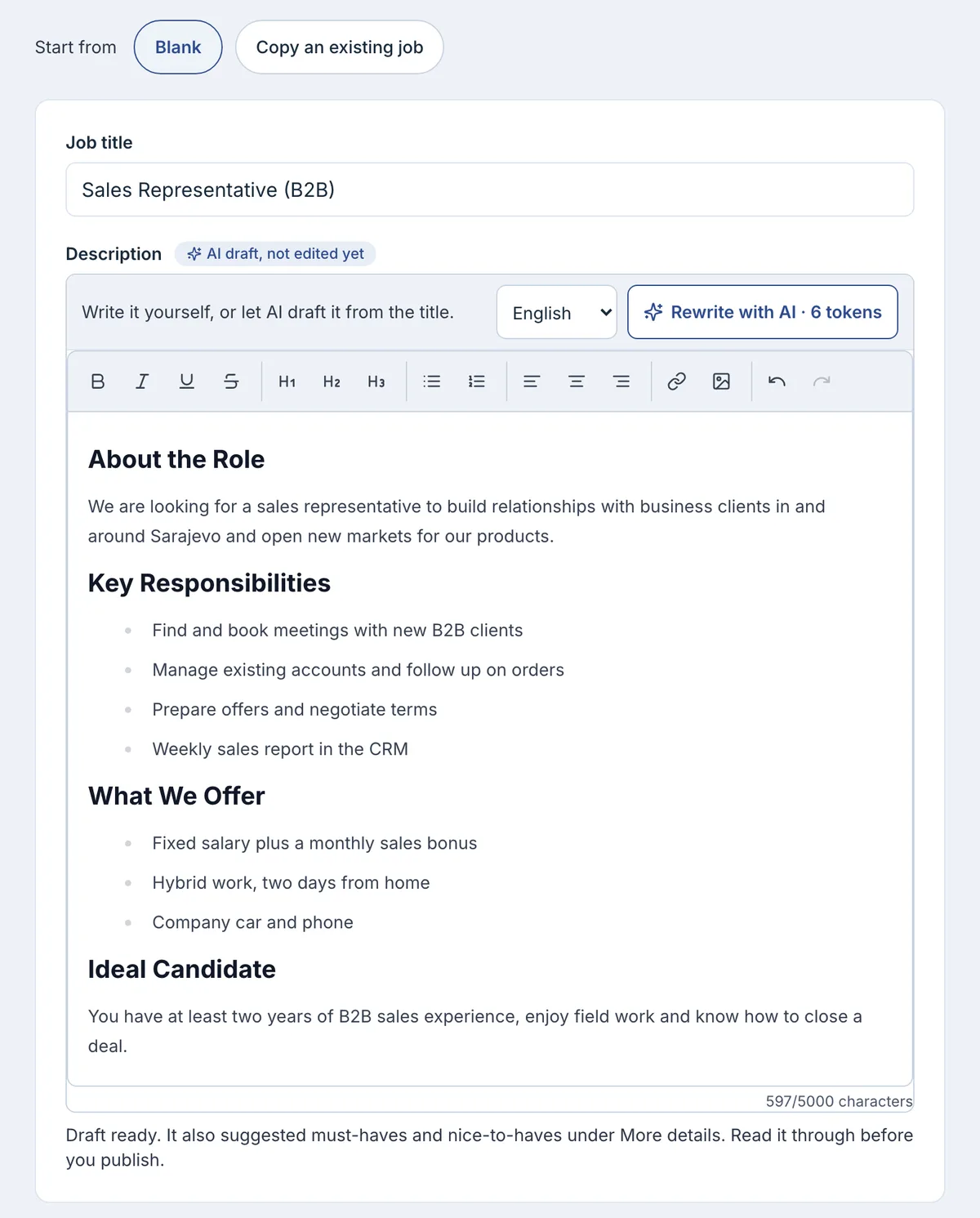
Describe the role in a line and WizzAI drafts it in English or Bosnian.
Write the post
With WizzAI, by hand or from a copy of a job.
Set the form and stages
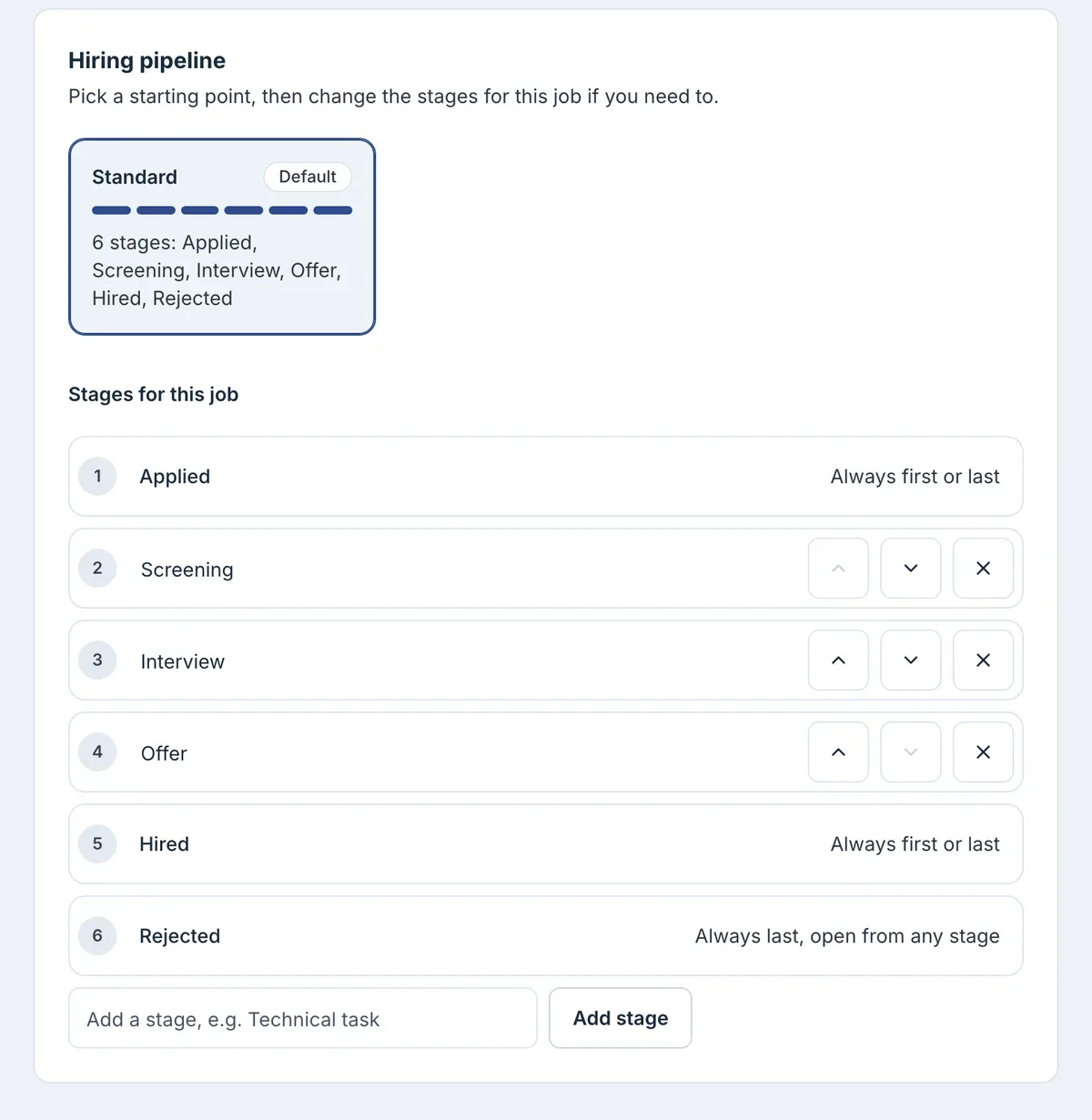
What candidates send and answer, and their stages.
Publish and share
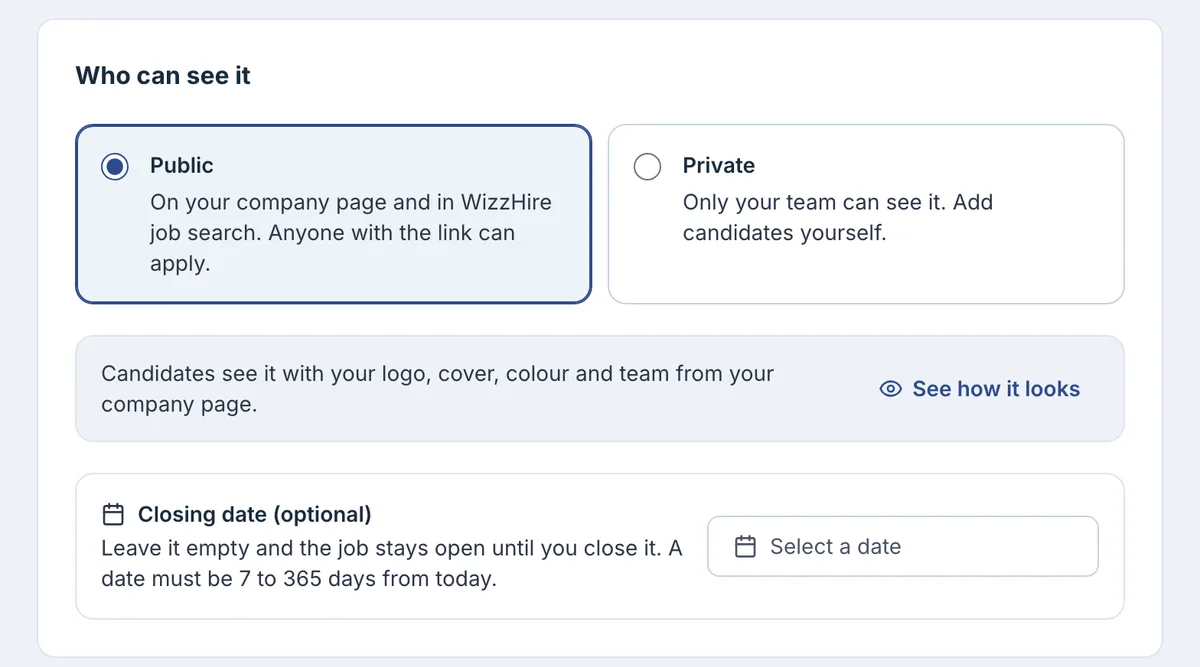
Public or private, with one link to share.
Shape the application before you publish.
Each job gets its own.
- CV, cover letter and salary expectations, each required, optional or off.
- A WizzAI questionnaire drafted from the post, edited by you before saving.
- Stages from a template, adjusted to the job. A copied job brings its own.
You decide who sees it and for how long.
And you can edit it once it is live.
- Public or private
- Public: on your company page, with its own link. Private: your team only, candidates added by hand.
- An optional closing date
- Without one, it stays open until you close it. Only the form locks once someone applies.
- Your channels
- Paste the link on LinkedIn, your site, MojPosao, Poslovi Infostud or HelloWorld.
Questions about job posts
Can AI write a job posting?
Yes. Describe the role in a line and WizzAI drafts the post in English or Bosnian. You can also write it yourself or start from a copy of a job.
What can I ask candidates to send?
A CV, a cover letter and salary expectations, each required, optional or off. You can add a questionnaire too.
What is the difference between a public and a private job?
A public job is on your company page, with its own link. A private job is for your team only, with candidates added by hand.
Does a job need a closing date?
No, it is optional. Without one, the job stays open until you close it, and only the form locks once someone applies.
Where do I share the job?
Paste its apply link wherever you advertise: LinkedIn, your website or the job boards you already use.