Hiring
Choosing an ATS, in five steps. What an ATS is, when you need one, and what to check before you sign up.
Five steps, in order
- 1
Check whether you need one
- 2
Write down your process before you look at software
- 3
Check the everyday work
- 4
Check the data, the AI and the price
- 5
Try it with one real job
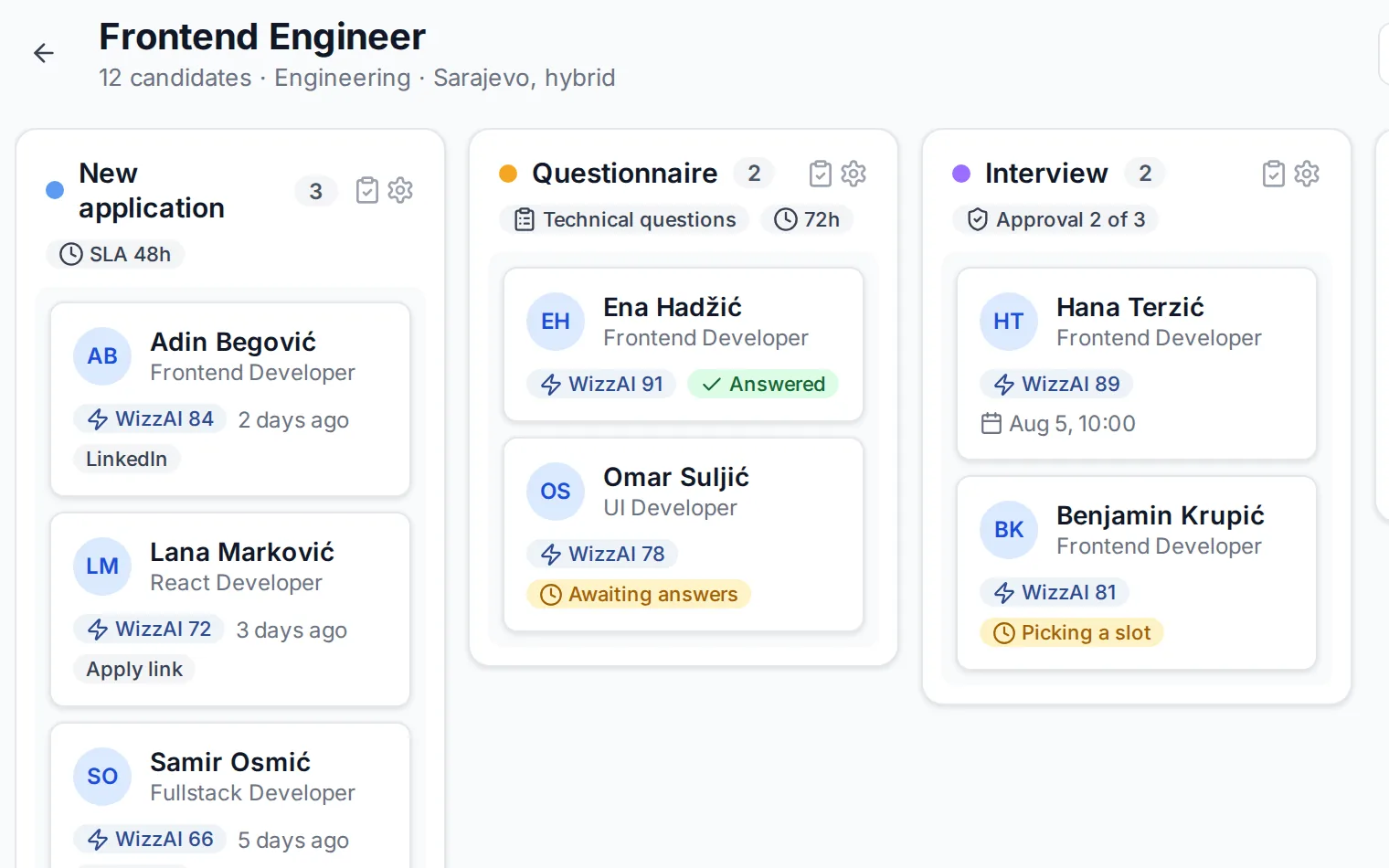
An ATS (applicant tracking system) is software that collects the applications for all your jobs in one place. For every candidate it shows the stage they are at, who rated them and what was decided. These steps apply to any ATS, not only ours.
1.Check whether you need one
An ATS pays off as soon as one of these sounds familiar:
- applications arrive in several inboxes, through LinkedIn and job boards, and nobody has the full list
- a candidate asks how their application is going, and nobody knows
- several people decide on a candidate, and their ratings sit in chats and on paper
- the same candidate applies twice and nobody notices
- CVs sit in an inbox for years, although you may keep them only while you have a reason to
If you hire once a year and one person decides, a spreadsheet will do for now. An ATS starts saving time once you have several open jobs or several people in the decision.
2.Write down your process before you look at software
Write down the stages every candidate goes through, for example application, first interview, task, second interview and offer. Next to each stage, write who decides and what they need to decide.
Take that list to the demo. The ATS should follow your process, not you its. If stages cannot change per job, a warehouse worker and a developer go through the same process.
3.Check the everyday work
These are questions for a demo or a trial. For each one, ask to see the answer on screen:
- Can each job have its own stages, and can they change later?
- Do applications from your website, LinkedIn and job boards land in one place, through one apply link?
- Can the candidates you already have in a spreadsheet come in at once?
- Can colleagues rate and comment on a candidate, and does each person see only what they should?
- Can you schedule interviews from it?
- Does it work on a phone, for you and for the candidate applying?
4.Check the data, the AI and the price
These questions rarely come up in a demo, and cost the most later:
- Where is candidate data stored, and can a candidate be deleted on request?
- Can you take all your data and CVs with you if you leave one day?
- If it has AI, who makes the decision? AI may help, but a person should decide on a candidate.
- How does the price grow: per user, per job or per company, and what costs extra?
- Is it in your team's and your candidates' language?
5.Try it with one real job
A demo shows the software; a trial shows your own work in it. Open a job you are really filling, share the apply link and take a few candidates through every stage, with a colleague who decides with you.
After a week, answer one question: do you know, for every candidate, where they are and whose move it is? If you do, you have found your ATS.